Every bill, settled fairly.

Scan the receipt.Everyone pays their share.

SettleTab reads every line, lets each person tap what they had, splits tax and service fairly, and settles the group in the fewest payments.

  • Free, no ads
  • No account needed to start
  • iPhone, Android and web
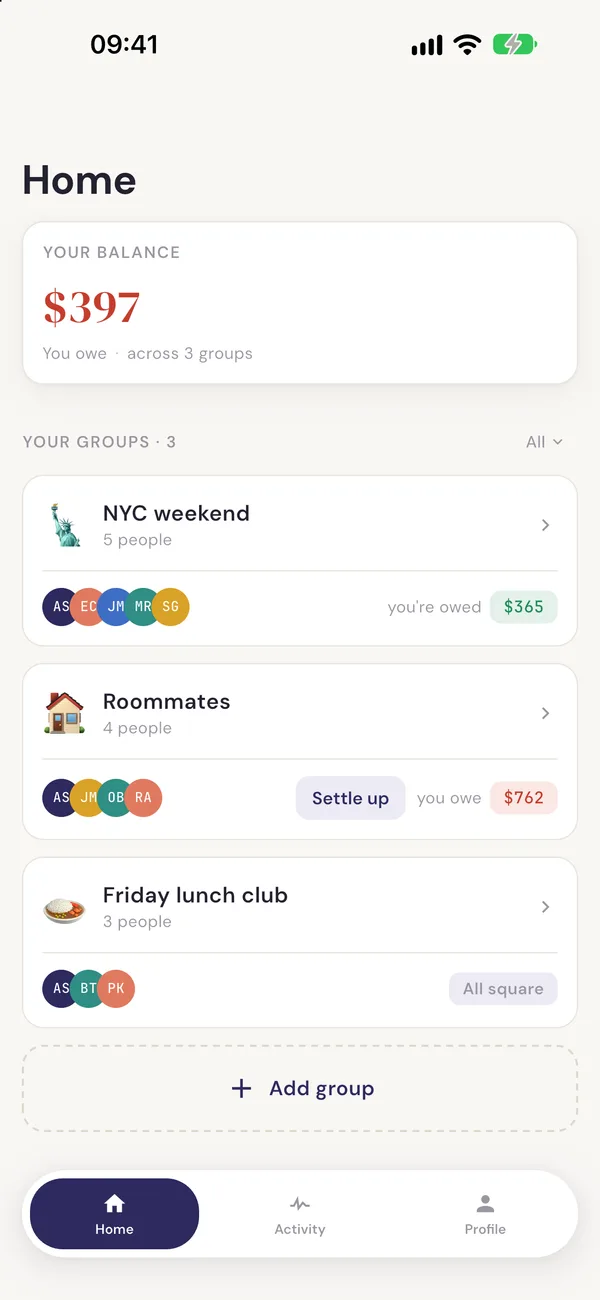
SettleTab home screen showing groups and who owes whom.
  • 150+ currencies
  • Splitwise import
  • Works without an account
  • Never moves your money
  • iPhone, Android and web

How SettleTab works

  1. 01 Scan

    Point the camera. AI reads every line.

    Dishes, drinks, tax and service come off the receipt in seconds, up to five pages per bill. You check it before anything is saved.

    7 lines read
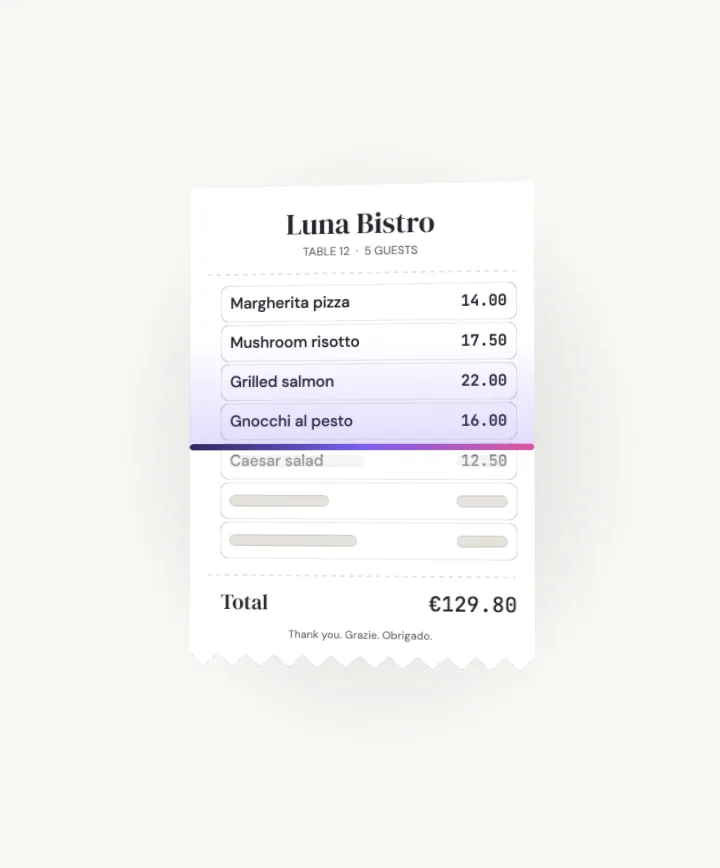
    A restaurant receipt being read line by line by an AI scan beam.
  2. 02 Claim

    Tap who had what.

    Each line goes to the people who had it. Totals update as you tap, so nobody pays for a dish they did not order.

    Aarav $23.32 · Emma $27.17 · Jake $32.12
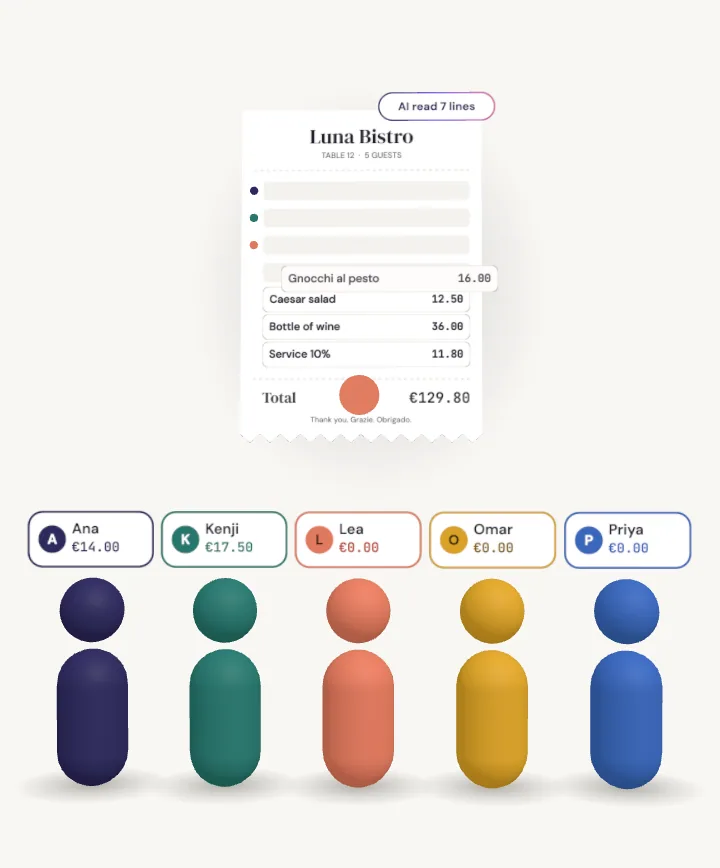
    Receipt lines flying to five people, each landing in that person's total.
  3. 03 Share

    Shared items split themselves.

    The bottle of wine splits five ways. Tax and service follow what each person had, or split equally if your group prefers.

    Wine $36.00 ÷ 5 = $7.20 each
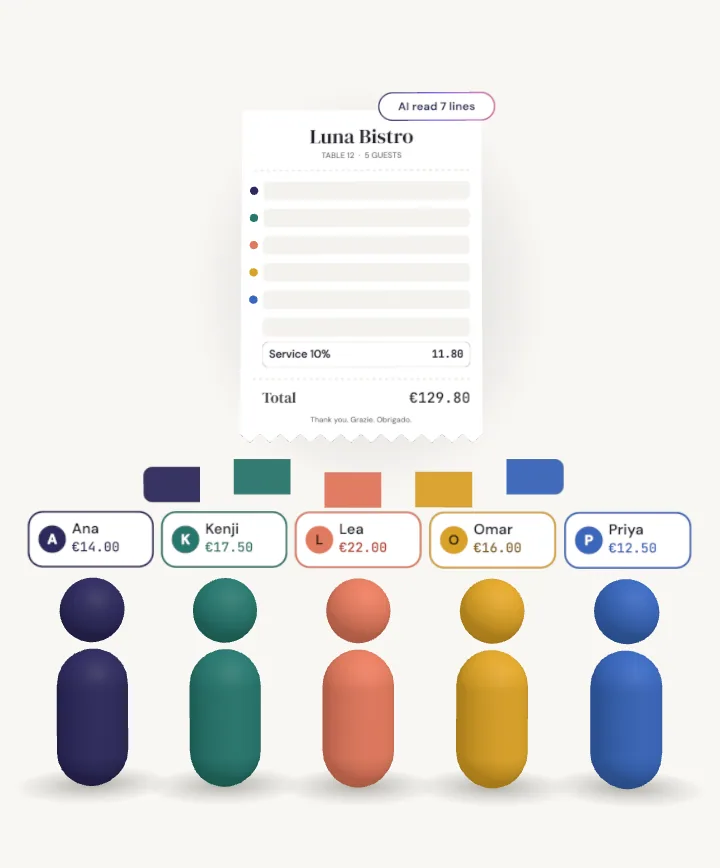
    A bottle of wine line splitting into five coloured parts, one for each person.
  4. 04 Settle up

    Seven payments become two.

    A week away means dinners, taxis, tickets, the hotel and groceries. SettleTab nets it all out and suggests the fewest payments.

    7 payments → 2
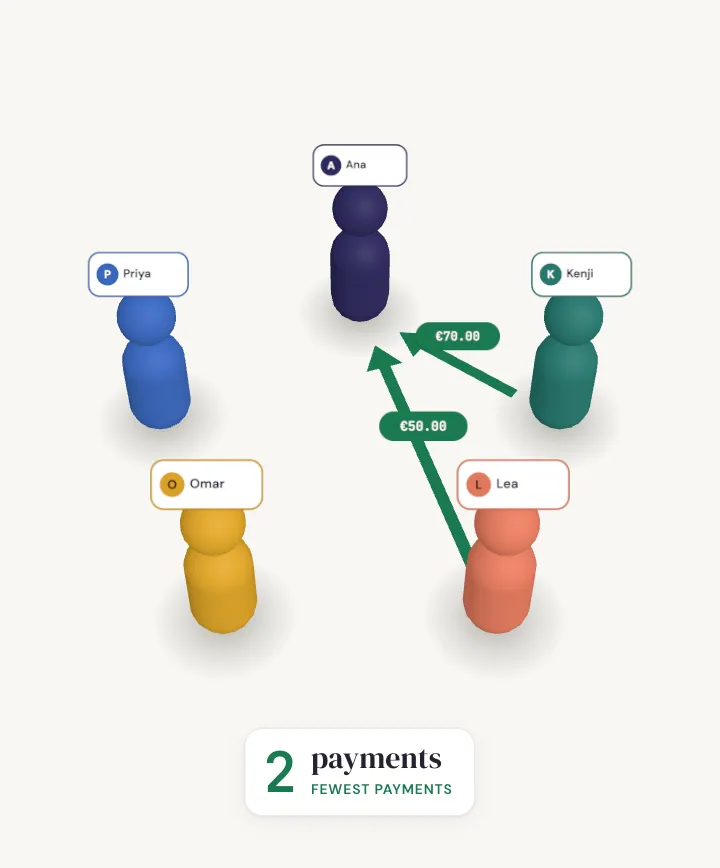
    Seven grey arrows between five people collapsing into two green payments.
  5. 05 Any currency

    Paid in dollars. Shown in yours.

    Over 150 currencies. Each expense keeps the exchange rate of the day it was added, so the numbers never drift later.

    $70.00 → €64.40 → £54.60 → Rs 9,450
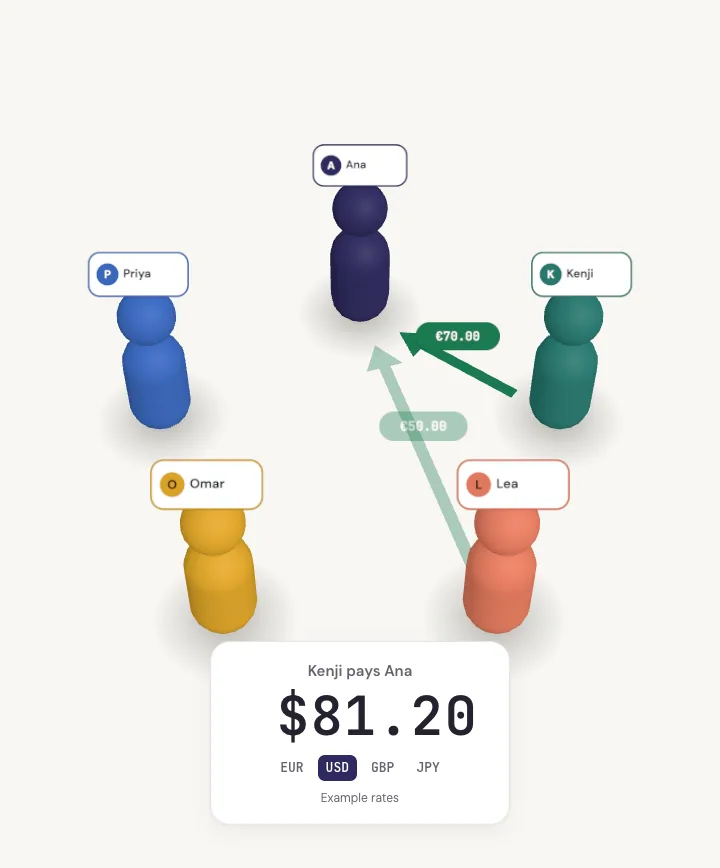
    A payment amount rolling from dollars to euros, pounds and Nepali rupees.
  6. 06 All square

    Show your QR. Mark it paid.

    Friends pay you in their own app using the payment QR on your profile. SettleTab records the payment. It never moves the money.

    All square
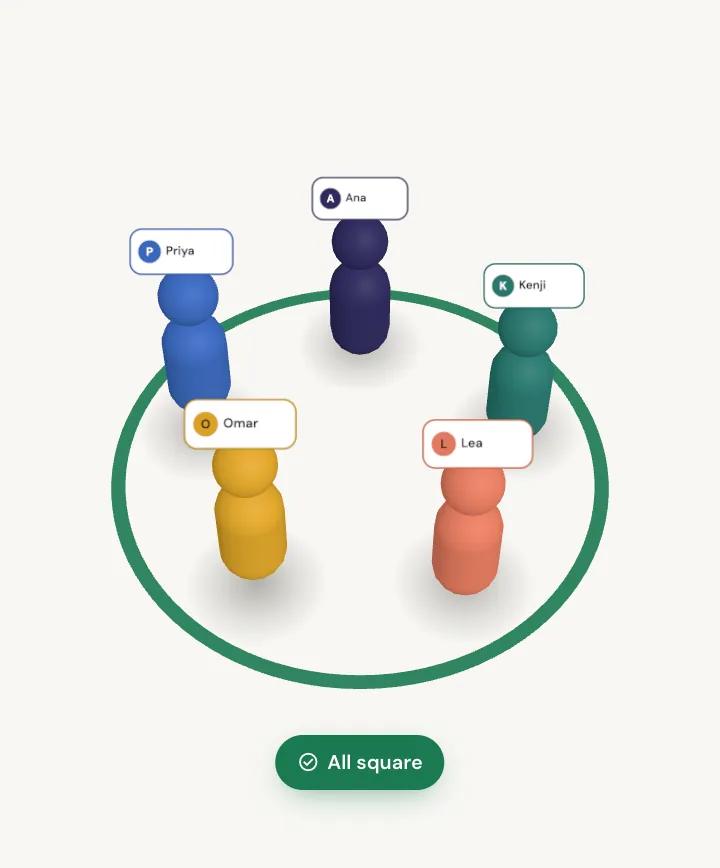
    Two payments completing and the group marked all square.

Everything a shared bill needs

Built for the table, not for ads.

  • Multi-page scan

    Up to five receipt pages read into one expense.

  • Split by item

    Tap member chips on each line. Every total updates live.

  • Fair tax and service

    Proportional to what each person had, or split equally.

  • Split by quantity

    Five dumplings: three shared, two for one person.

  • Payment QR

    Shown at settle up so friends can pay in their own app.

  • Splitwise import

    Bring your history. The CSV is read on your device.

  • CSV and PDF export

    Balances, records and an insights report, any time.

  • Edit history

    Every change to an expense is kept for the group to see.

Trust and privacy

Your money stays yours. So does your data.

Read the privacy policy

Free for every group

Next bill, split it right.

iPhone, Android, or your browser. No ads and no card. No caps on groups, members or expenses; receipt scanning has a fair-use limit.

QR code that opens SettleTab on your phone
Scan with your phone camera

Questions

Good to know.

All questions
Can I use it without an account?

Yes. You can start on your own device without signing in, add friends who have not joined yet, and split expenses. Your data stays on your device. To scan receipts, share a group with friends or use SettleTab on more than one device, sign in with Google, Apple or email. Your on-device groups move into your account when you do.

Does SettleTab move money?

No. SettleTab never moves money. It records who owes whom. You pay each other in cash, by bank transfer or in your own payment app, then record the payment in SettleTab so balances stay correct. You can add your payment QR codes to your profile so friends can pay you faster.

Is SettleTab free?

Yes. Groups, members, expenses, receipt scanning under fair use, item-by-item splitting, settling up, payment QR codes, CSV and PDF export, Splitwise import, using SettleTab without an account, and logging expenses in any currency are all free. There are no ads.

Can I import from Splitwise?

Yes. Export your group from Splitwise as a CSV file, then choose Import in SettleTab. The file is read on your device and never uploaded. You can match each Splitwise person to a group member, and anyone left over is added as a friend who has not joined yet.